How to Create a Landing Page with AI in 2025
Learn how to use AI to generate professional landing pages in minutes. Step-by-step guide with examples.
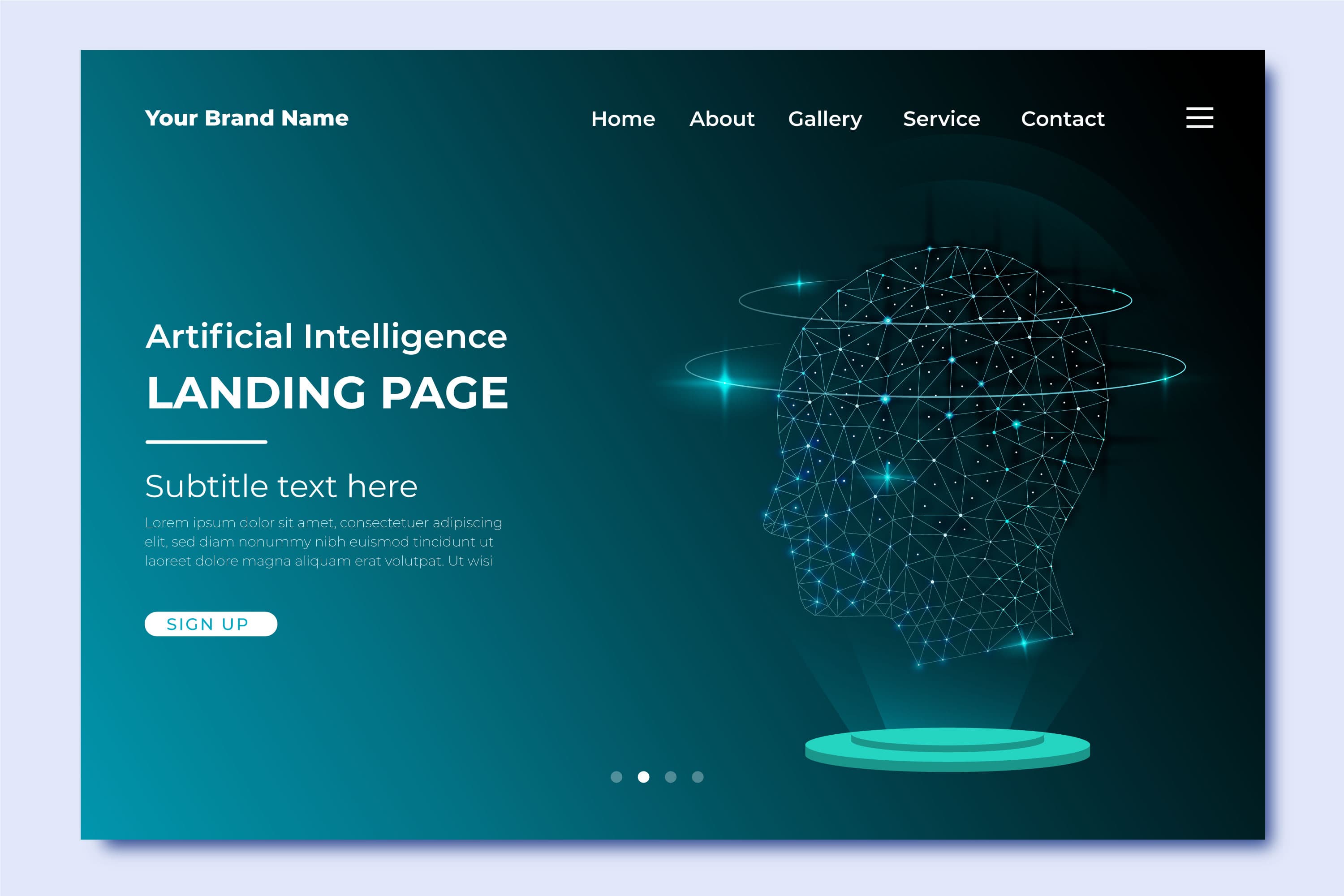
How to Create a Landing Page with AI in 2025
Creating a professional landing page used to take days or even weeks. You needed design skills, coding knowledge, and lots of trial and error. But in 2025, AI has completely transformed this process. Now, you can generate production-ready landing pages in minutes.
In this guide, I'll show you exactly how to create stunning landing pages using AI, without any design or coding experience required.
Why Use AI for Landing Pages?
Before we dive into the how, let's talk about why AI-powered landing page generation is a game-changer:
Speed: Generate complete landing pages in seconds instead of days Quality: AI creates professional, conversion-optimized designs Cost-effective: No need to hire designers or developers Iteration: Test multiple designs quickly to find what works best Accessibility: Anyone can create professional pages, regardless of skill level
What You'll Need
To create AI-generated landing pages, you'll need:
- A clear idea of what you want your landing page to achieve
- Content (headline, description, value propositions)
- An AI landing page builder (like Gune UI, V0, or similar)
- 5-10 minutes of your time
That's it. No design software, no coding environment, no complicated setup.
Step-by-Step: Creating Your AI Landing Page
Step 1: Define Your Landing Page Goal
Every great landing page starts with a clear goal. Ask yourself:
- What action do you want visitors to take?
- Who is your target audience?
- What problem does your product/service solve?
Example prompt elements:
- "SaaS product for project management"
- "Targeting small business owners"
- "Goal: Get email signups for beta access"
Step 2: Write a Clear AI Prompt
The quality of your output depends heavily on your prompt. Here's a proven structure: Create a landing page hero section for [product/service]Target audience: [who it's for] Main benefit: [primary value proposition] Key features: [3-5 features] Call-to-action: [what you want users to do] Style preference: [modern/minimal/bold/etc] Real Example: Create a landing page for an AI-powered email marketing tool
Target audience: E-commerce store owners Main benefit: Increase email revenue by 40% with AI-personalized campaigns Key features:
- AI-generated subject lines
- Automated segmentation
- Predictive send-time optimization
- Revenue attribution tracking Call-to-action: Start free trial Style preference: Modern, clean, trust-building
Step 3: Generate Your Landing Page
Using a tool like Gune UI:
- Enter your prompt in the generation interface
- Click generate and wait 10-30 seconds
- Review the result - The AI will create a complete landing page with:
- Hero section with headline and CTA
- Features section
- Benefits section
- Social proof elements
- Footer with links
The generated page will be fully responsive and ready to use.